RedM Emote Script: 4,300+ Emotes, Live Preview

A complete emote and animation system for RedM: more than 4,300 emotes across two frontier interface layouts, with live hover preview, favourites and key binds, walk styles, chair sitting, prop and shared emotes, and an adjust mode with a 3D gizmo for placing a pose exactly. An in-game admin editor, job and VIP restrictions and Discord logging come with it. VORP, RSG Core, RedEM:RP or fully standalone, detected at start-up.

21.69 USD

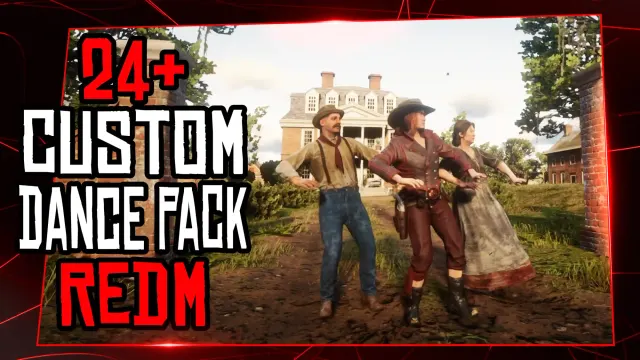
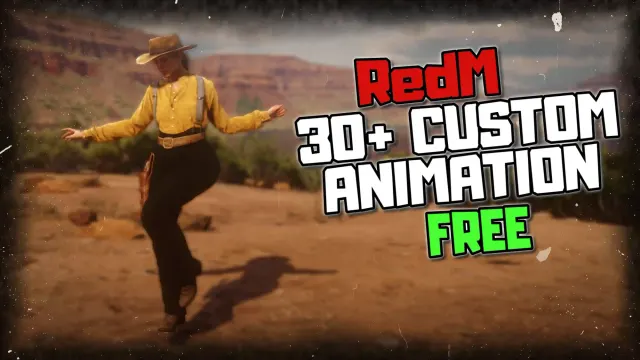
4,300+ RedM emotes out of the box, curated and filtered for clean looping poses. Hover any one of them and a translucent mannequin performs it in front of you before you commit, so players find the emote they wanted instead of cycling through ten wrong ones.

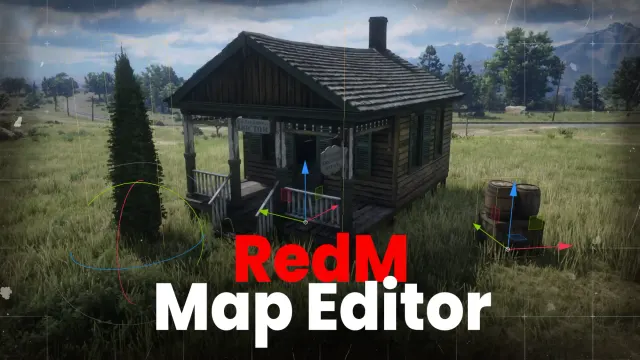
Adjust mode with a full 3D gizmo puts the pose exactly where you want it: a ghost preview that follows where you aim, WASD nudging, and Blender-style move, rotate and height handles. Confirm and your character steps into exactly what you saw, held in place so ledges and props work properly.

Sit on any chair - 80+ chair, bench, stool and couch props, 19 gender-aware sitting styles from drinking a beer to cleaning a rifle, full 360 degree rotation, and you stand up exactly where you were.

Add your own custom emotes from inside the game. The admin editor adds, edits, restricts, hides or deletes without a restart or a line of SQL, and every change pushes live to connected players. VORP, RSG Core, RedEM:RP or fully standalone, detected at start-up, so this RedM script drops straight into an existing build.

Product Features

Two Complete Layouts

Grand is a centred dashboard with a category sidebar, live counts and a quick-emotes dock. Compact is a slim side rail that stays out of the way during roleplay. Players switch between them in the menu and their choice is remembered.

Preview You Can Steer

Scroll to rotate the mannequin, click to perform the emote yourself, and switch the preview off entirely if you would rather not have one. It is a player setting, not a server one.

Favourites and Hotkeys

Star an emote to pin it to the quick bar. SHIFT and 1 to 5 fire the first five instantly, or bind any letter or digit you prefer. Both the favourites and the binds live in the database, so they survive a restart.

Chat Commands

Every emote gets an auto-generated /e command with chat autocomplete, alongside /e stop and /e random. Nothing has to be registered by hand as the library grows.

Shared Emotes

A shared emote asks the other player first, with an on-screen accept prompt, and only then syncs both animations. They work on NPCs and animals straight away, with no prompt to wait on.

Prop Emotes

Real objects attached to the correct bones rather than floating near the hand: a parasol, a basket, a fan, a bone for the dog. They come with the library rather than needing to be modelled.

Walk Styles and Scenarios

Twelve walk styles, each remembered per player across sessions, plus world scenario animations for the ambient poses a town needs.

Gizmo Controls

Keys 1, 2 and 3 switch the gizmo between move, rotate and height. Coloured axis arrows, a ground-plane handle and a perspective-correct rotation ring do the work, and holding Shift drops it into fine control.

Job and VIP Locks

Put a job name or an ACE permission in an emote's Restriction field and anyone without it never receives that emote at all, rather than seeing it greyed out. Every admin change can be posted to a Discord webhook under the admin's own name.

The UI Source Is Yours

React 18 and Vite, with the full source in web/ and the prebuilt output ready to run, so npm is only needed if you want to change it. Config, locales, shared data and SQL stay editable on both editions, and the client exports Play, PlayById, PlayByCommand, Stop, Open, Close and IsOpen.

Six Languages

English, French, German, Greek, Spanish and Portuguese ship in a locales folder, each about eighty strings. Adding a seventh is copying one file and translating it.

Built for a Big Library

Four thousand emotes do not make the menu crawl: the interface caps how much it renders at once and prompts for a search instead, so it stays quick whatever the library grows to.